
Operations leads
Shows how to add Claude Tag to Slack channels so the model follows team conversations without manual copy-pasting.

Add Claude to a channel in a team workspace like Slack and it can keep up with your whole team in real time.

Operations leads
Shows how to add Claude Tag to Slack channels so the model follows team conversations without manual copy-pasting.

Department managers
Helps department managers bring Claude directly into shared Slack channels so the whole team works from live context.

Project coordinators
Walks through using Claude inside a team workspace like Slack instead of switching back and forth to a chat window.

IT & workspace admins
Covers adding Claude Tag to workspace channels so teams can collaborate with shared real-time context in Slack.
Bring Claude directly into a shared workspace channel like Slack so it can follow team discussions in real time without manual copy-pasting. At 3 minutes, this tutorial suits teams that want Claude to read channel context and answer questions where the conversation already happens.
No more switching back and forth to your Claude chat window, or copying and pasting to give Claude all the context it needs. With Claude Tag, it’s already in your team’s workspace following along.
| Source | Format | Duration |
|---|---|---|
| Claude Academy | Tutorial | 3 min |

What Claude can do, how to write your first prompt, and how to set up a task with your own files and tools.

Getting started with Claude Security
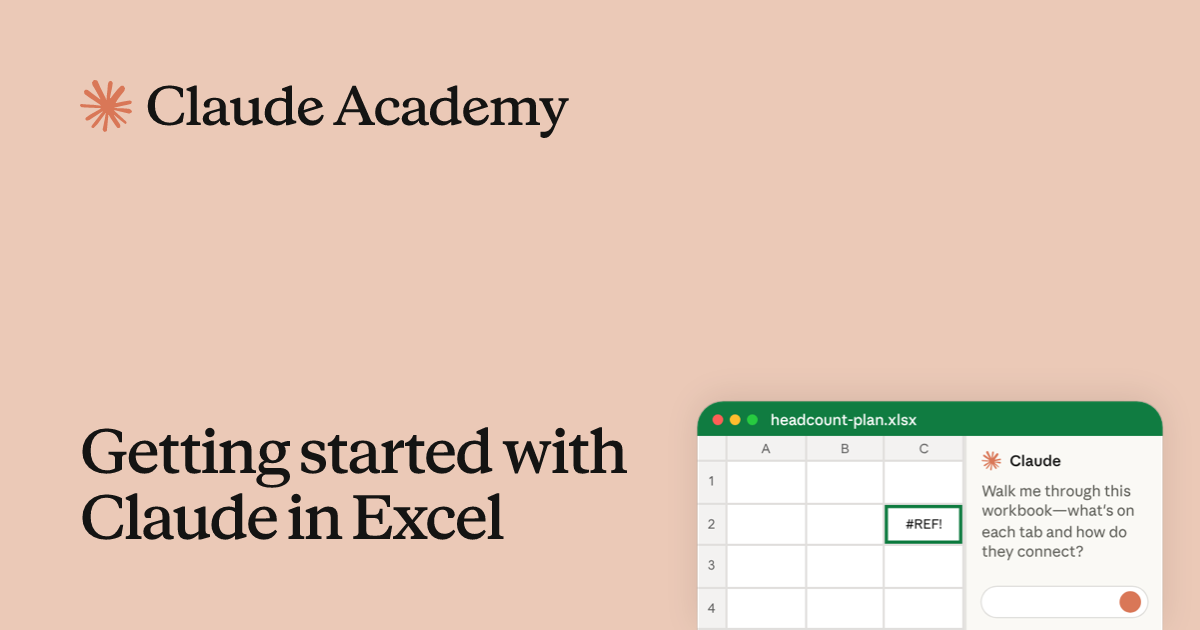
Claude understands your entire workbook—from nested formulas to multiple tab dependencies.