
Finance teams
Introduces Claude in Excel for navigating multi-tab workbooks, nested formulas, and cross-sheet dependencies.

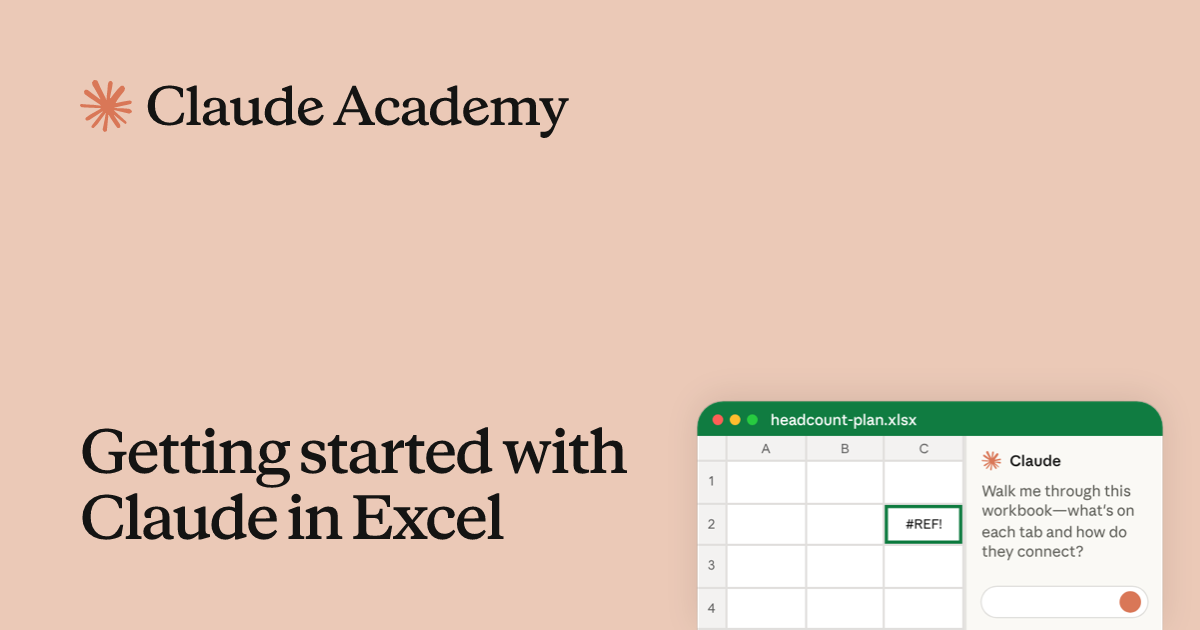
Claude understands your entire workbook—from nested formulas to multiple tab dependencies.
Finance teams
Introduces Claude in Excel for navigating multi-tab workbooks, nested formulas, and cross-sheet dependencies.

Data analysts
Shows how Claude reads entire Excel workbooks, including complex nested formulas and links across multiple tabs.

Operations leads
Helps small business operators inspect and update multi-tab Excel workbooks and formula dependencies.
Work with multi-tab spreadsheets and nested formulas by giving Claude context across your entire Excel workbook. The 7-minute tutorial covers the basics of using Claude inside Excel. Analysts and finance teams who manage linked sheets will get the most from it.
| Source | Format | Duration |
|---|---|---|
| Claude Academy | Tutorial | 7 min |

What Claude can do, how to write your first prompt, and how to set up a task with your own files and tools.


Add Claude to a channel in a team workspace like Slack and it can keep up with your whole team in real time. No more switching back and forth to your Claude chat window, or copying and pasting to give Claude all the context it needs. With Claude Tag, it’s already in your team’s workspace following along.

Getting started with Claude Security