
Educators
Shows how to build interactive inline visuals with controls and drill-down buttons to explain concepts with moving parts.

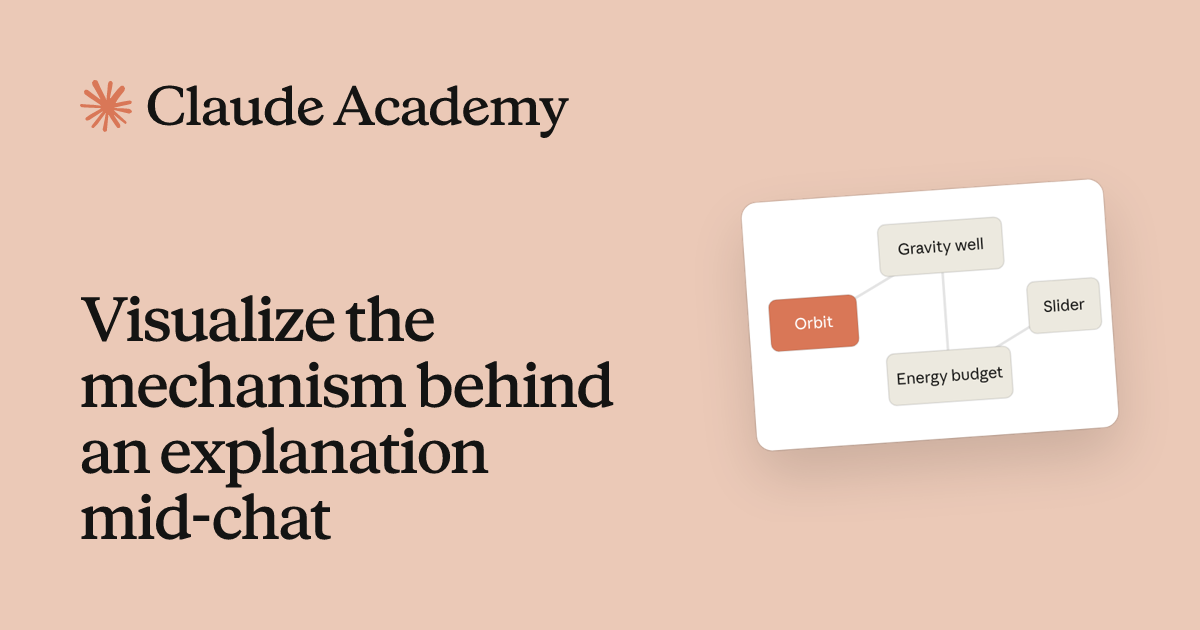
Claude builds an interactive visual inline as you talk through the problem — shaped to the specific question you're asking, with controls you manipulate and buttons that drill deeper.
Educators
Shows how to build interactive inline visuals with controls and drill-down buttons to explain concepts with moving parts.

Researchers
Demonstrates generating interactive visual diagrams mid-chat to explore mechanisms that plain text cannot show clearly.

Project coordinators
Helps everyday users ask Claude for interactive inline visuals with buttons and controls while talking through a problem.
Have Claude generate an interactive visual with working controls and drill-down buttons right inside your chat while you talk through a complex concept. This 15-minute use case suits educators, students, and analysts trying to explain or grasp mechanisms with moving parts that plain text cannot capture.
Useful when a concept has moving parts text can't show.
| Source | Format | Duration |
|---|---|---|
| Claude Academy | Use case | 15 min |

Transform spreadsheets of program statistics into presentation-ready charts, infographics, and dashboards that tell your impact story visually and help demonstrate program satisfaction to stakeholders.


Claude plots every funder in one view — odds, award, deadline, effort — and you filter, test scenarios, ask for a prioritization, narrow down together. For decisions where no single sort order shows the full picture.
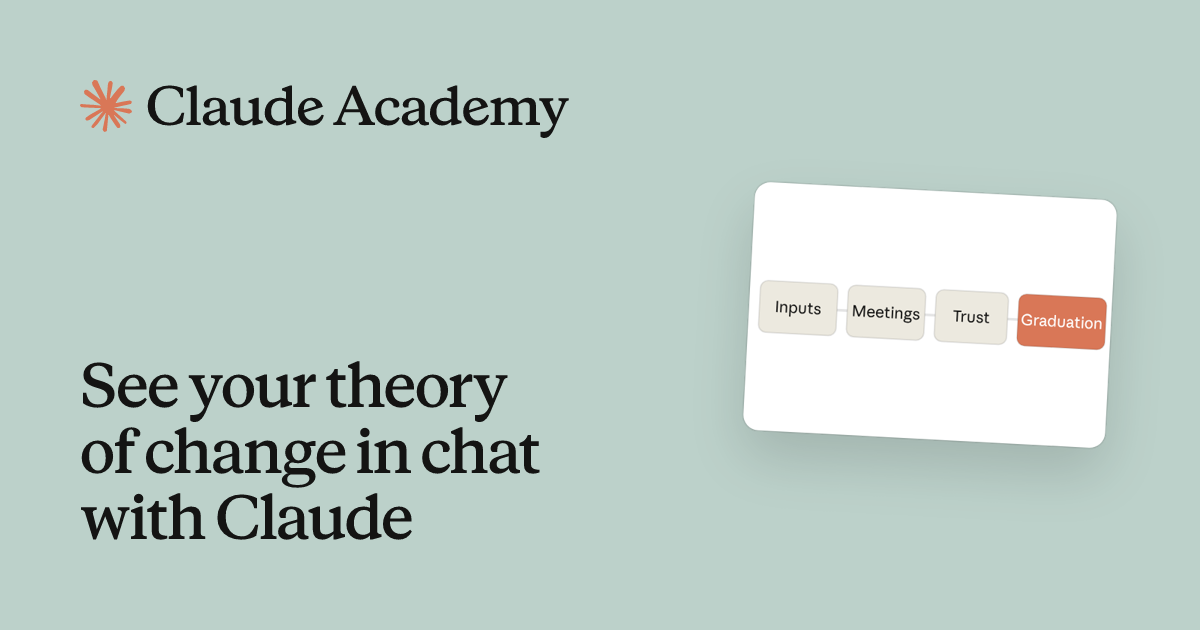
Describe your program and Claude draws the causal chain inline, inputs through impact, with every arrow clickable to show the assumption behind it. For when you know what you do but have never drawn why it works.