
Finance teams
Shows Cowork checking S&P earnings releases and transcripts against your model before updating Excel and PowerPoint.

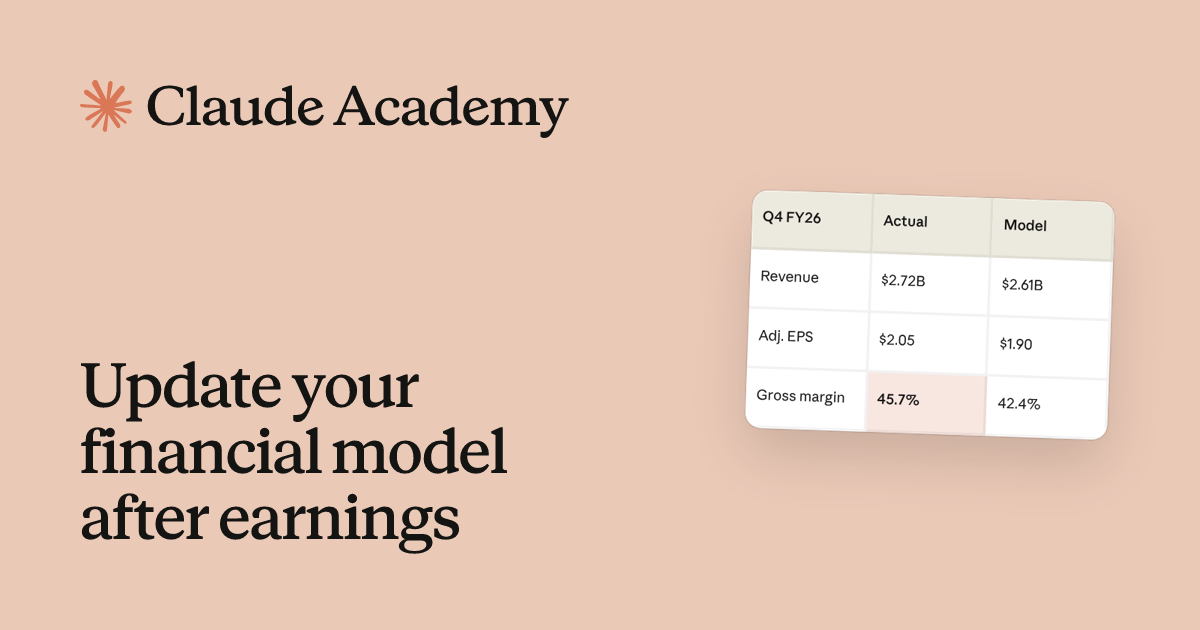
Cowork pulls the release and transcript from S&P and checks them against your financial model.
Finance teams
Shows Cowork checking S&P earnings releases and transcripts against your model before updating Excel and PowerPoint.

Data analysts
Walks through flagging differences between S&P earnings data and an Excel model, then building a PowerPoint summary.
Pull an earnings release and transcript from S&P in Cowork, check the numbers against your Excel financial model, and update your PowerPoint deck. The 15-minute use case connects Cowork, Claude for Excel, and Claude for PowerPoint in one post-earnings workflow. It suits financial analysts who update models and slides when results drop.
You take the flags into Claude for Excel to edit the cells, then open the deck in Claude for PowerPoint to build the page.
| Source | Format | Duration |
|---|---|---|
| Claude Academy | Use case | 15 min |
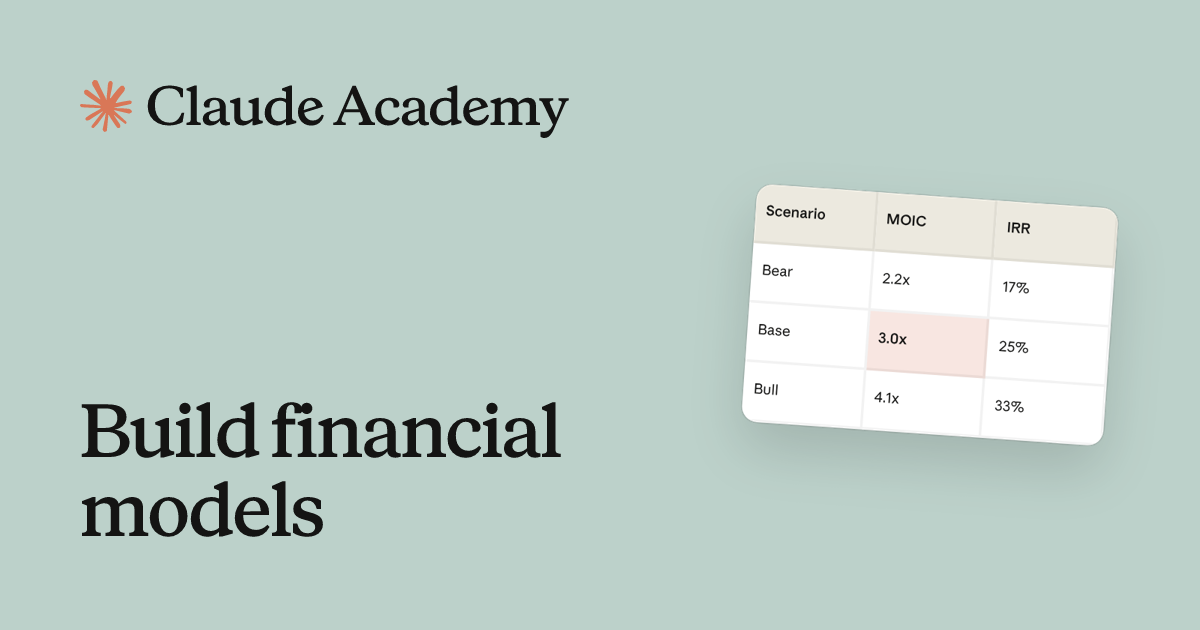
Create investment analyses with complete financial models, scenario planning, and risk evaluation.

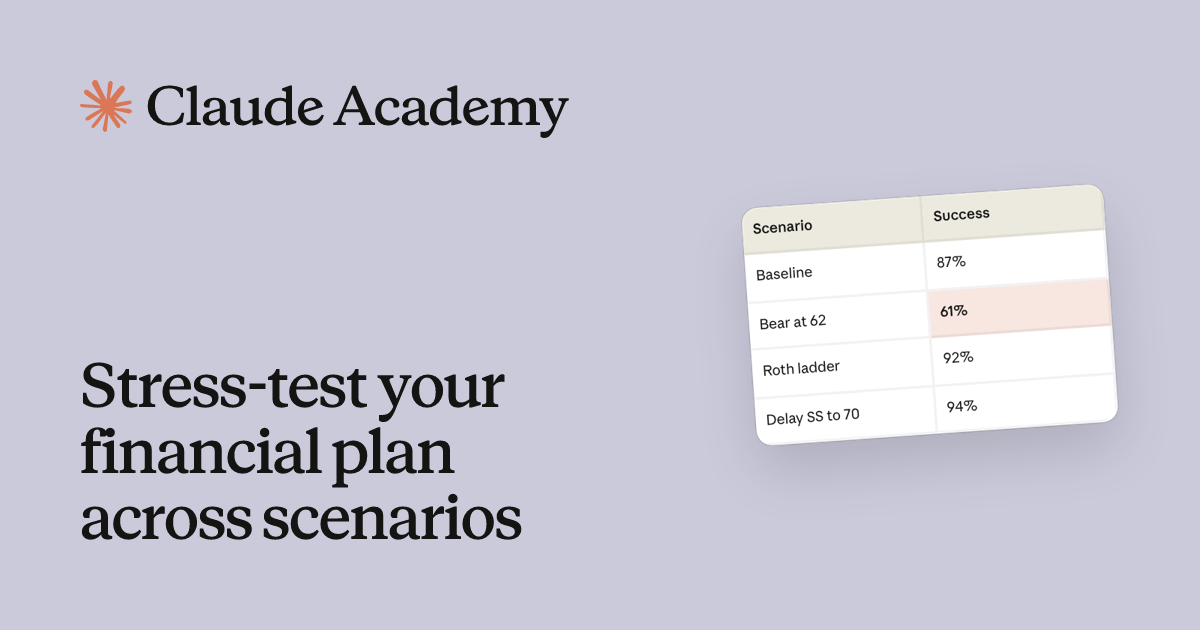
Claude Opus 5.5 tests a financial plan against a full range of possible outcomes, traces how each risk cascades through the rest, and builds a working model you can adjust yourself.
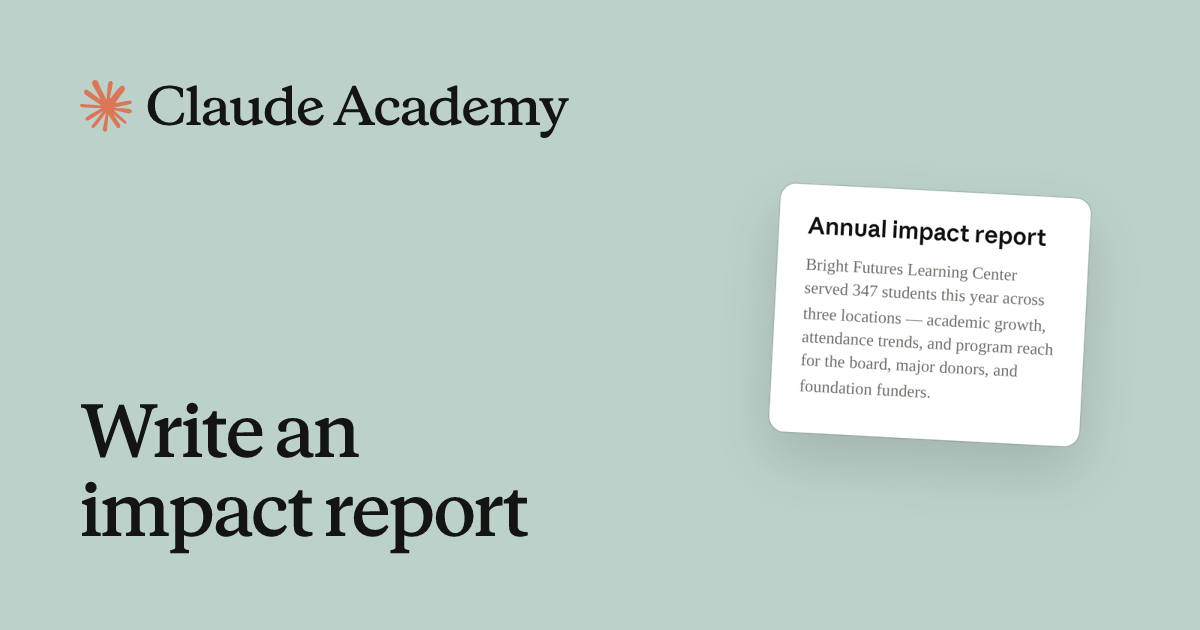
Turn raw program data and participant outcomes into compelling narratives with data visualizations, stakeholder-specific insights, and authentic success stories that demonstrate real impact.