
Finance teams
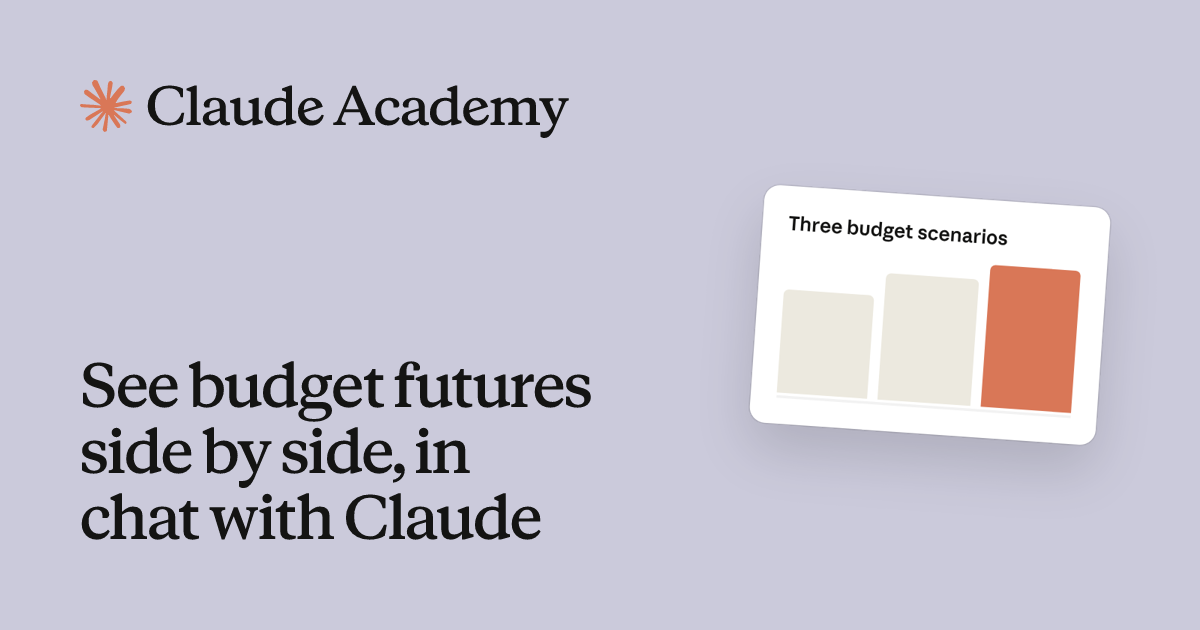
Shows how to compare three budget scenarios side by side in chat with a toggle between dollars and percentages.

Type your budget split and the thing that might change, and Claude draws three scenarios next to each other with a toggle between dollars and percentages.
Finance teams
Shows how to compare three budget scenarios side by side in chat with a toggle between dollars and percentages.

Department managers
Helps managers test a budget split against a changing assumption and see where financial pressure lands across three scenarios.

Operations leads
Walks through entering a budget split in Claude to view three side-by-side scenarios in dollars or percentages.
Compare three side-by-side budget scenarios in chat by entering your current split and the variable that might shift. Covered in a 15-minute use case, the view lets you toggle between dollars and percentages and click any scenario for a one-line summary of where pressure lands. Operators and budget owners testing spending assumptions will find it useful.
Click any scenario for a one-line read on where the real pressure lands.
| Source | Format | Duration |
|---|---|---|
| Claude Academy | Use case | 15 min |
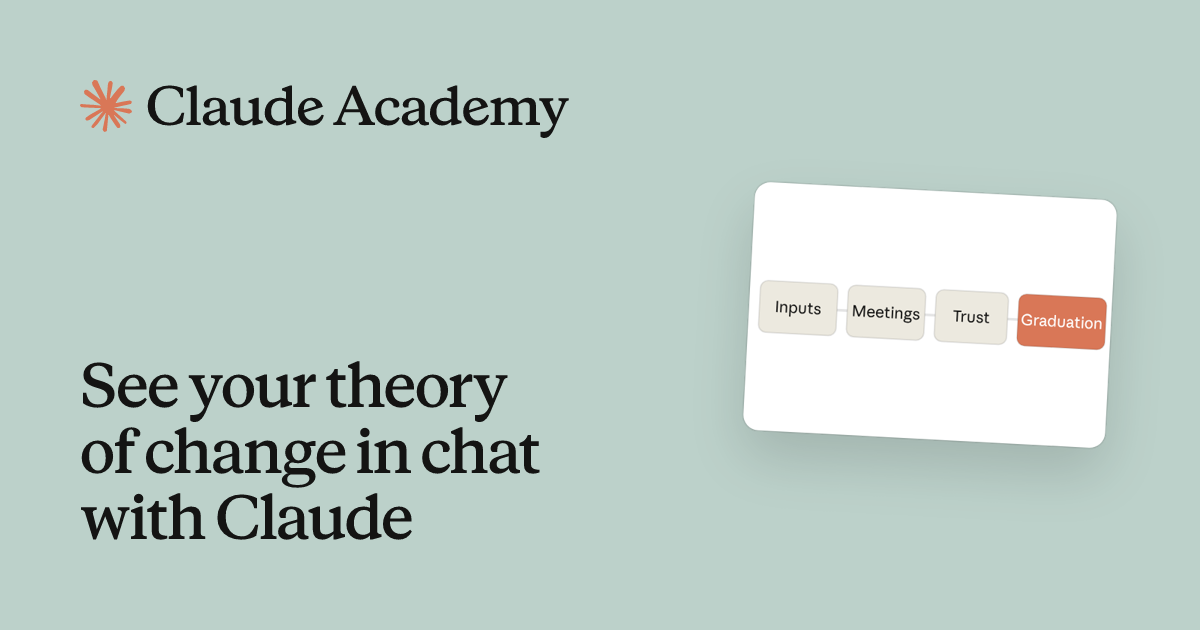
Describe your program and Claude draws the causal chain inline, inputs through impact, with every arrow clickable to show the assumption behind it. For when you know what you do but have never drawn why it works.

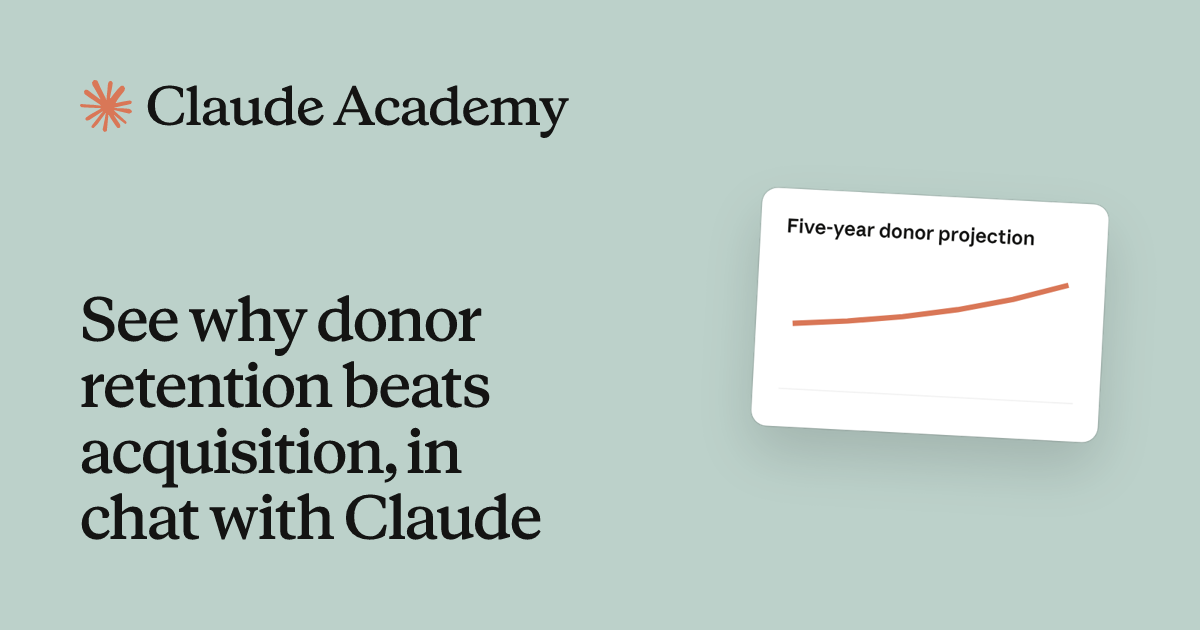
Claude builds a five-year donor projection with sliders for retention and acquisition. Drag either one and the curve redraws, and it becomes clear fairly quickly why a modest retention bump does more than doubling the acquisition spend.

New to Claude? Start here. Tell Claude your role and get a personalized guide to the capabilities that will matter for your work.