
Product managers
Shows how to use Claude in Chrome to navigate analytics dashboards, extract product metrics, and compile summaries.

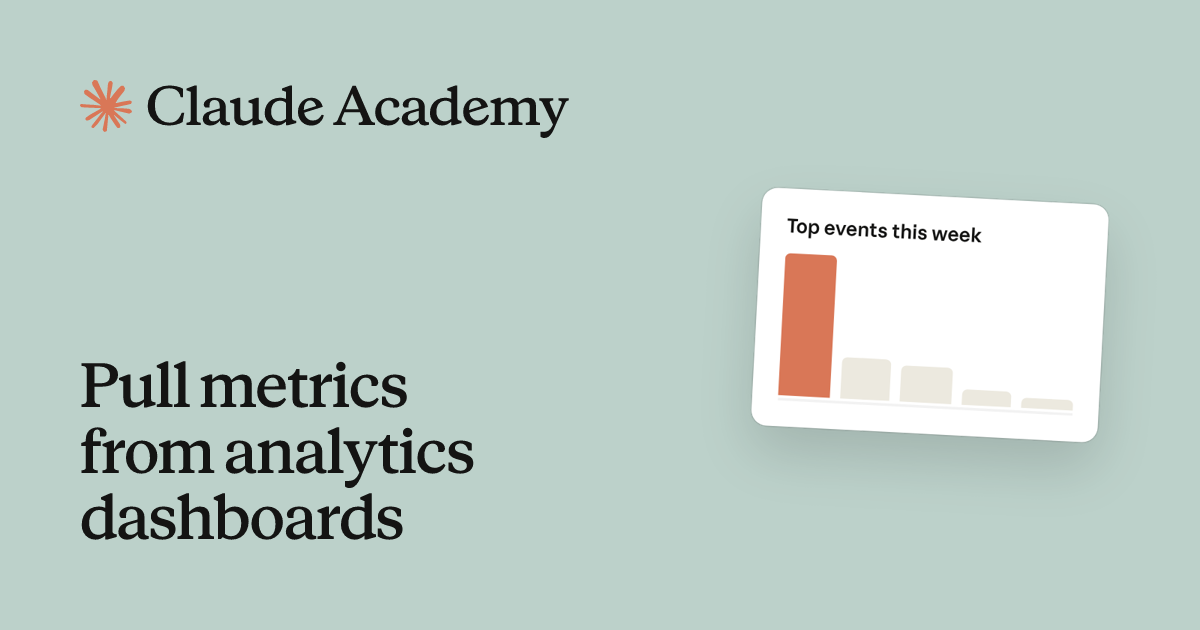
Claude in Chrome can navigate your analytics dashboards, extract the numbers you need, and compile them into a summary.
Product managers
Shows how to use Claude in Chrome to navigate analytics dashboards, extract product metrics, and compile summaries.

Data analysts
Automates pulling numbers across analytics dashboards in Chrome into a compiled summary without manual exports.

Operations leads
Eliminates tab-switching and manual copying when gathering recurring metrics from web analytics dashboards.
Use Claude in Chrome to read numbers directly from open analytics dashboards and compile them into a single written summary. You avoid CSV exports and manual copy-pasting across browser tabs. The 10-minute use case suits operators and analysts who pull regular metric readouts from web tools.
No exports, no tab-switching, no manual copying.
| Source | Format | Duration |
|---|---|---|
| Claude Academy | Use case | 10 min |
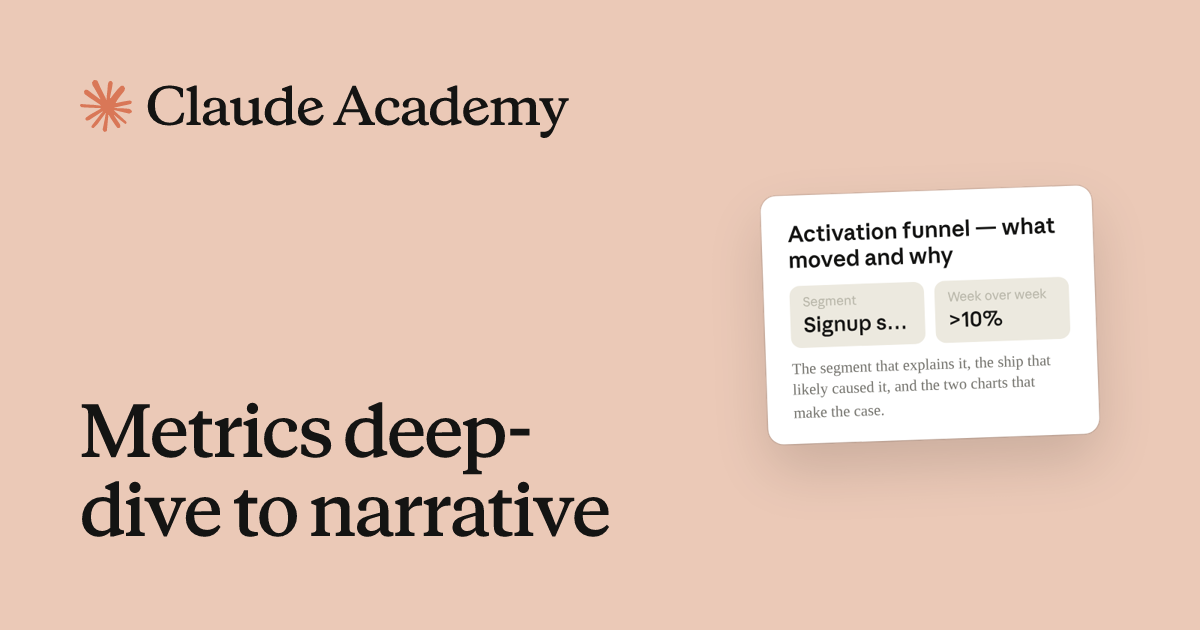
What moved, why, and which ship caused it.

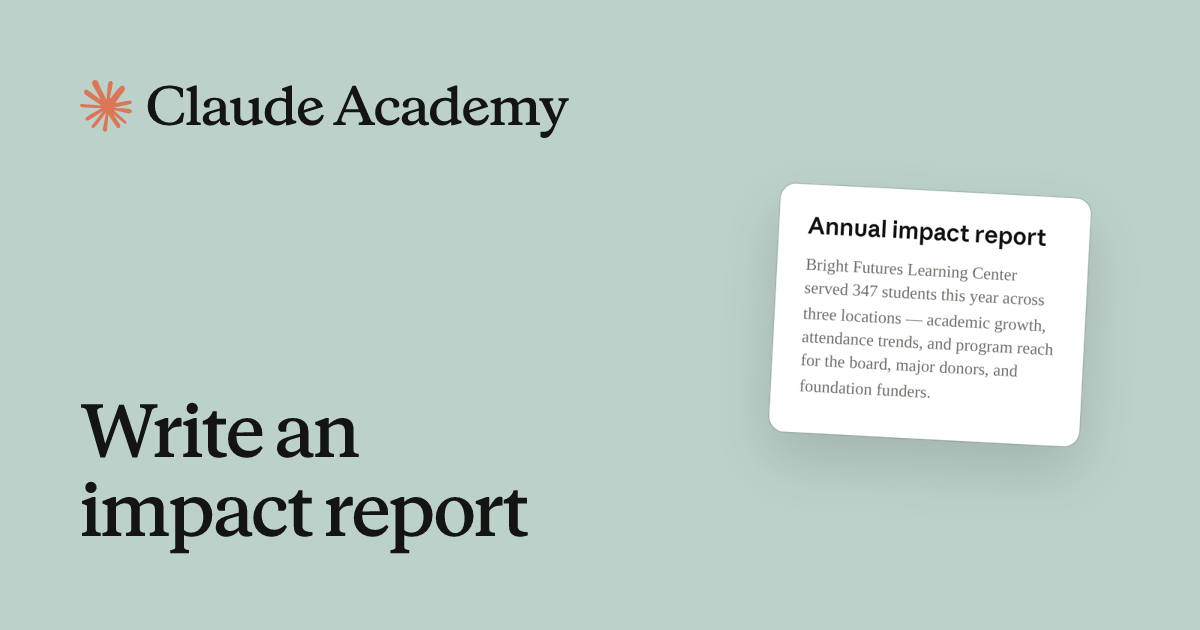
Turn raw program data and participant outcomes into compelling narratives with data visualizations, stakeholder-specific insights, and authentic success stories that demonstrate real impact.
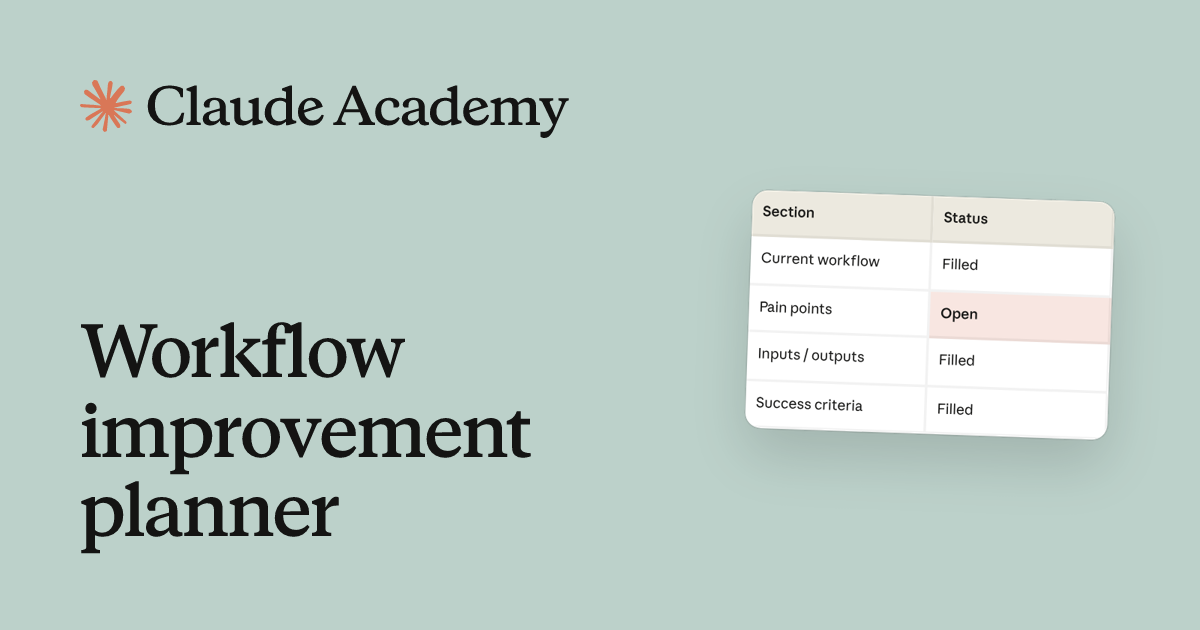
Turn process pain points into structured improvement plans. Claude helps nonprofits define workflow challenges and design AI-powered solutions that save time and increase capacity.