
Project coordinators
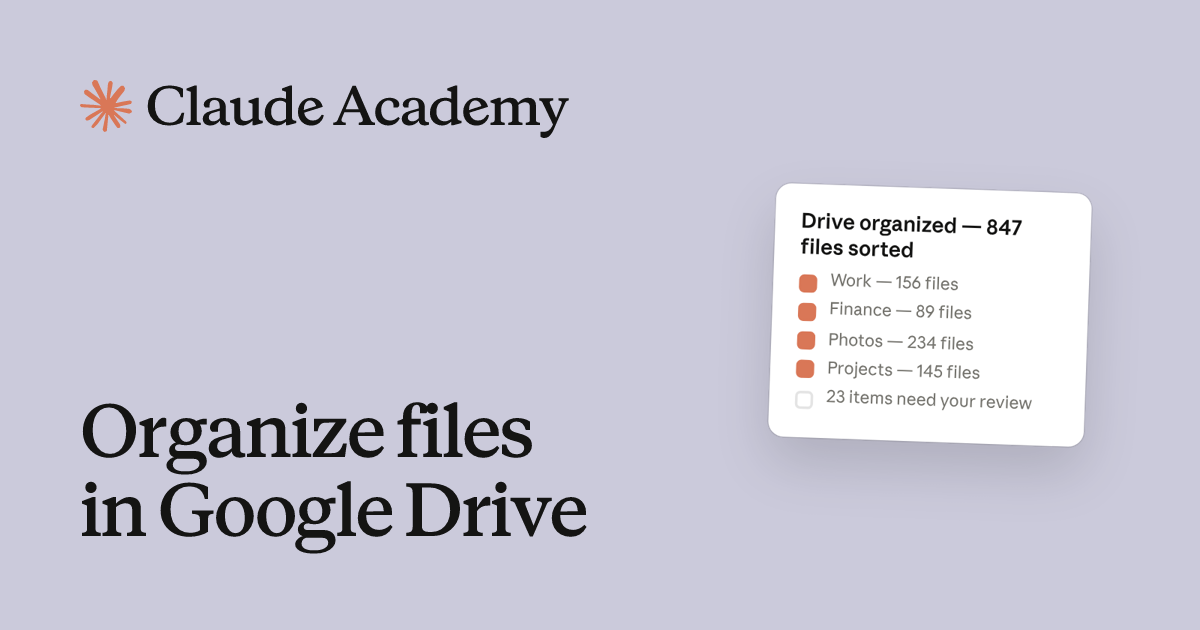
Shows how Claude in Chrome creates folders, moves files, and flags duplicates and old files in Google Drive for your approval.

Claude in Chrome sorts through your Drive, creates a folder structure, moves files where they belong, and flags duplicates and old files for you to review.
Project coordinators
Shows how Claude in Chrome creates folders, moves files, and flags duplicates and old files in Google Drive for your approval.

Operations leads
Helps clean up shared Google Drive directories by letting Claude in Chrome propose a folder structure and flag duplicate files.
Let Claude in Chrome inspect a messy Google Drive, propose a folder hierarchy, move files into place, and flag old items or duplicates for review. You stay in control by approving the proposed changes rather than sorting files manually. The 15-minute use case suits anyone cleaning up shared or personal storage.
You approve the changes instead of doing the sorting yourself.
| Source | Format | Duration |
|---|---|---|
| Claude Academy | Use case | 15 min |
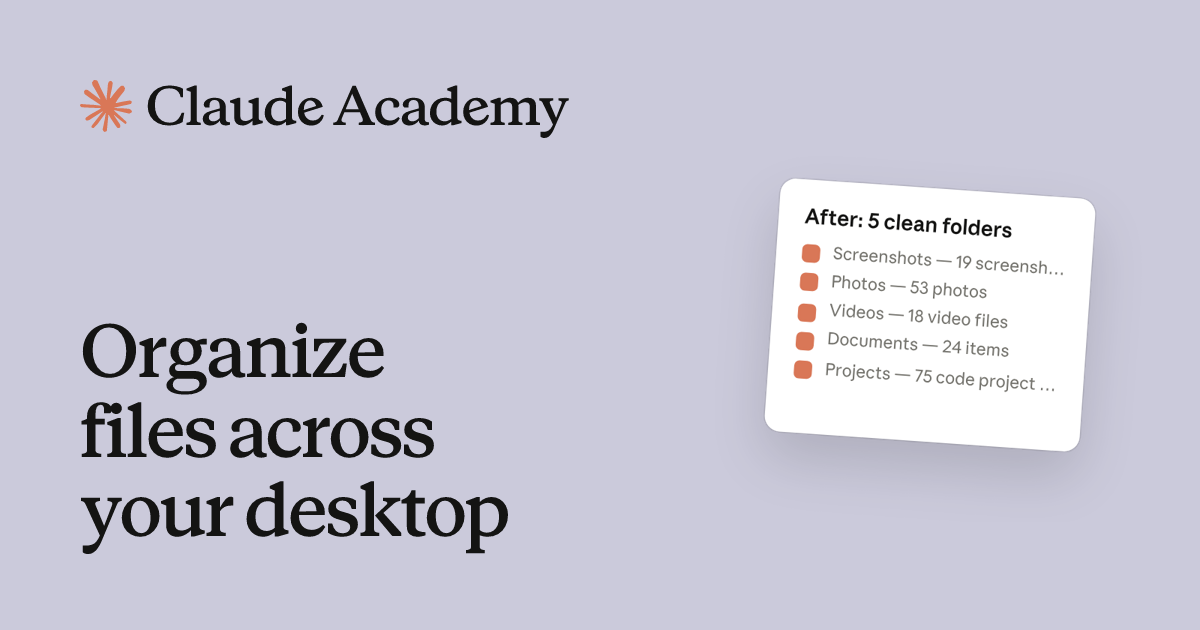
Grant Cowork access to your cluttered desktop and walk away. It reads your files, figures out what they are, and sorts them into folders while you do something else.


Create spreadsheets that bring clarity to your finances. Spot trends, filter what matters, and understand what your numbers are telling you.

Stop explaining your review standards for every contract. Claude Projects let you upload your playbooks once and reference them automatically across hundreds of reviews.