
Operations leads
Shows how to pull updates from emails, Slack, meeting notes, and project tools into a single status and blocker tracker.

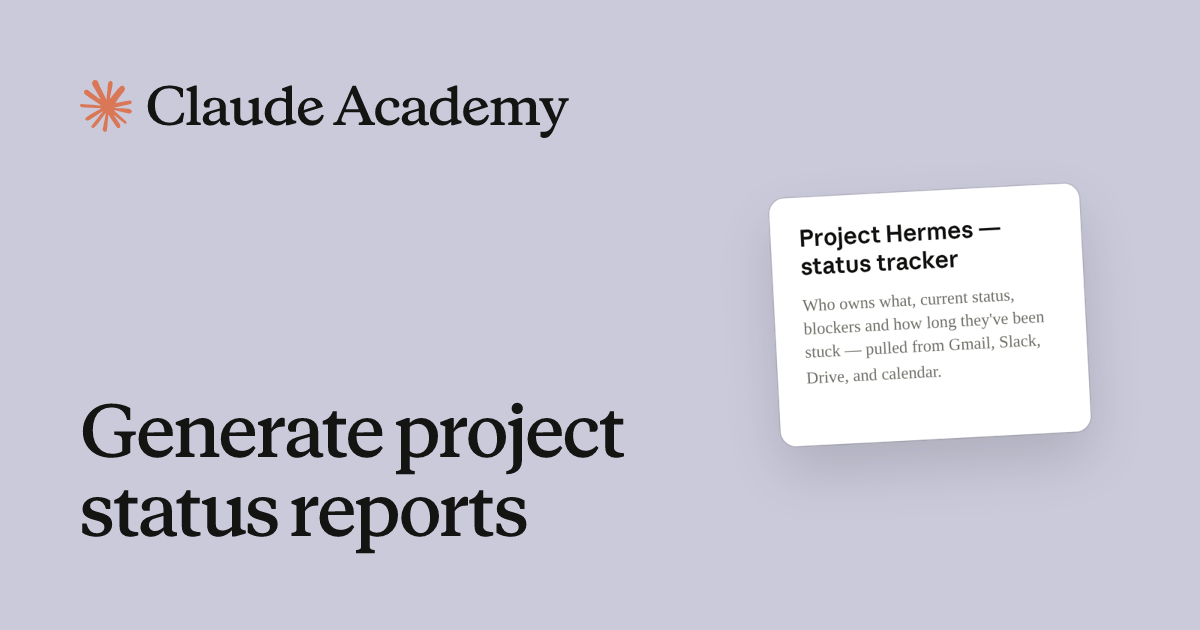
Pull status updates from your emails, Slack channels, meeting notes, and project tools to create a tracker that shows who's working on what, what's blocked, and where things stand—all in one place.
Operations leads
Shows how to pull updates from emails, Slack, meeting notes, and project tools into a single status and blocker tracker.

Project coordinators
Walks through compiling scattered emails, Slack threads, and meeting notes into a clear project status report.

Department managers
Helps managers track who is working on what, what is blocked, and where projects stand across communication channels.

Product managers
Consolidates updates across Slack channels, notes, and project tools into one status view for product tracking.
Compile a single project tracker from scattered emails, Slack channels, meeting notes, and project management tools. The resulting report shows current owners, active tasks, and blockers in one view. Taking 15 minutes, this use case suits project managers and team leads preparing weekly status updates.
| Source | Format | Duration |
|---|---|---|
| Claude Academy | Use case | 15 min |
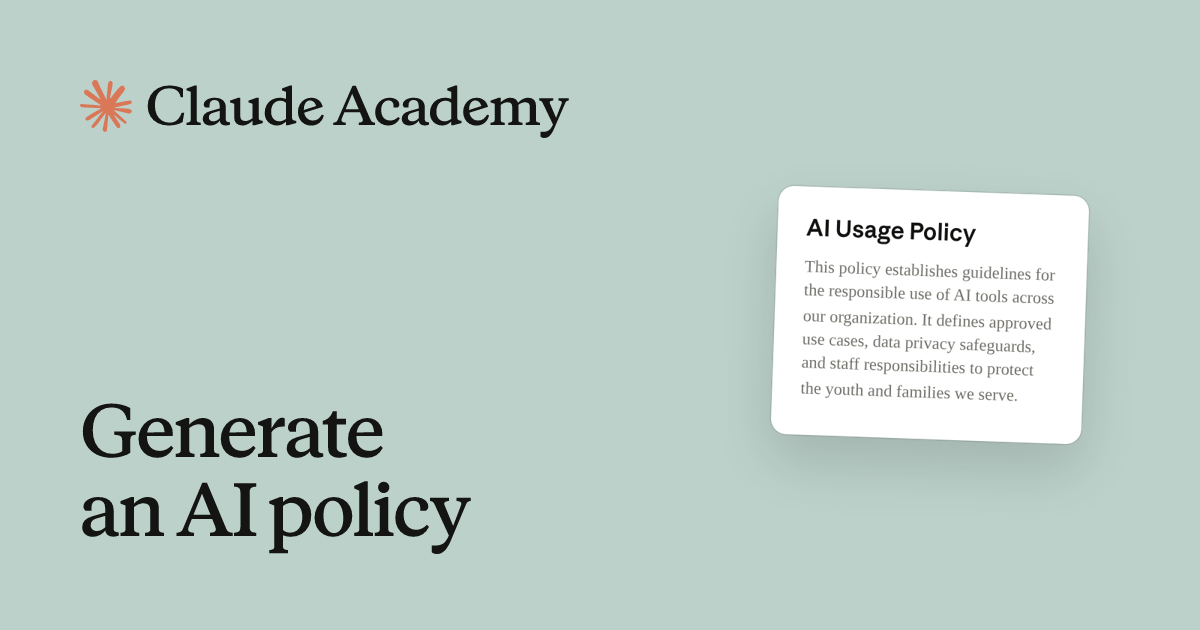
Create organization-specific AI usage policies covering data privacy, appropriate use cases, staff guidelines, and ethical considerations tailored to your nonprofit's mission and beneficiary protection needs.

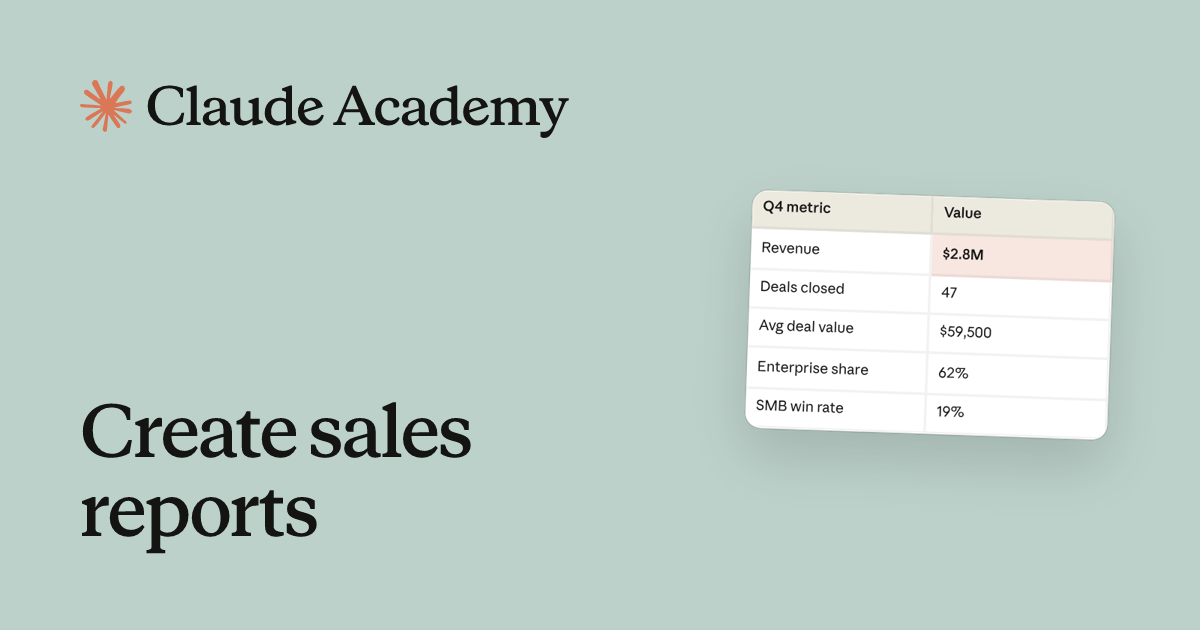
Pull metrics from your CRM, analyze trends, and generate polished reports with data visualizations and strategic insights—all without manual data formatting.
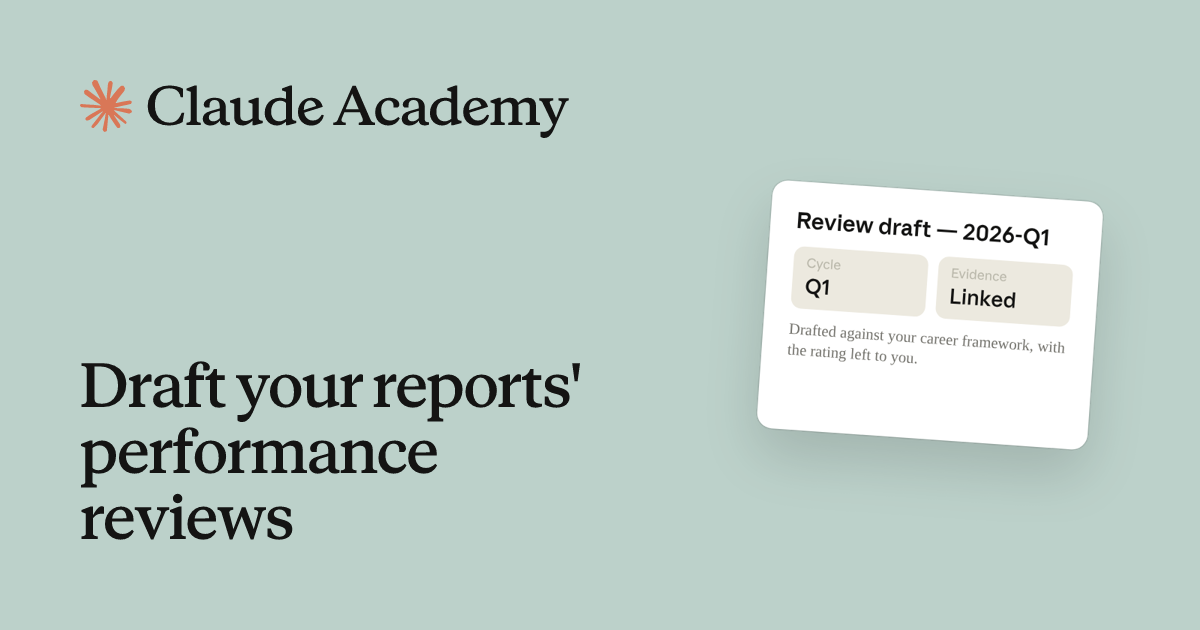
A grounded review draft with linked evidence, per report.