
Project coordinators
Uses Claude in Chrome to read open product tabs, normalize specs, and build a comparison table in Google Sheets.

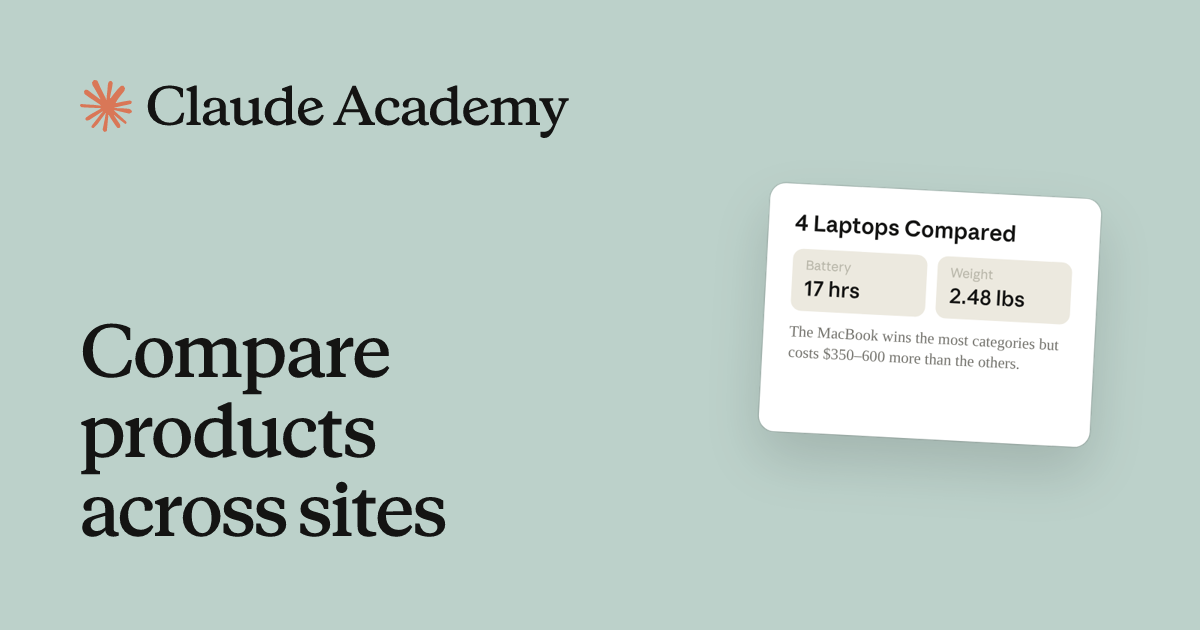
Claude in Chrome reads the specs from multiple product pages you have open, normalizes the data, and creates a comparison table in Google Sheets.
Project coordinators
Uses Claude in Chrome to read open product tabs, normalize specs, and build a comparison table in Google Sheets.

Operations leads
Pulls specifications from multiple browser tabs into a normalized Google Sheets table for vendor comparisons.

Product managers
Collects and normalizes product specs across multiple sites in Chrome into a single Google Sheets comparison table.
Pull product specifications from several open browser tabs, normalize the details, and assemble a side-by-side comparison table in Google Sheets. Built as a 15-minute use-case walkthrough, it suits buyers and analysts using Claude in Chrome to evaluate options without copying data across tabs.
You stop tab-switching and start deciding.
| Source | Format | Duration |
|---|---|---|
| Claude Academy | Use case | 15 min |

Create a visual comparison spreadsheet from research with images, ratings, and insights to simplify your travel planning.


A blog post, a LinkedIn thread, and short social posts from one webinar, each in your voice.
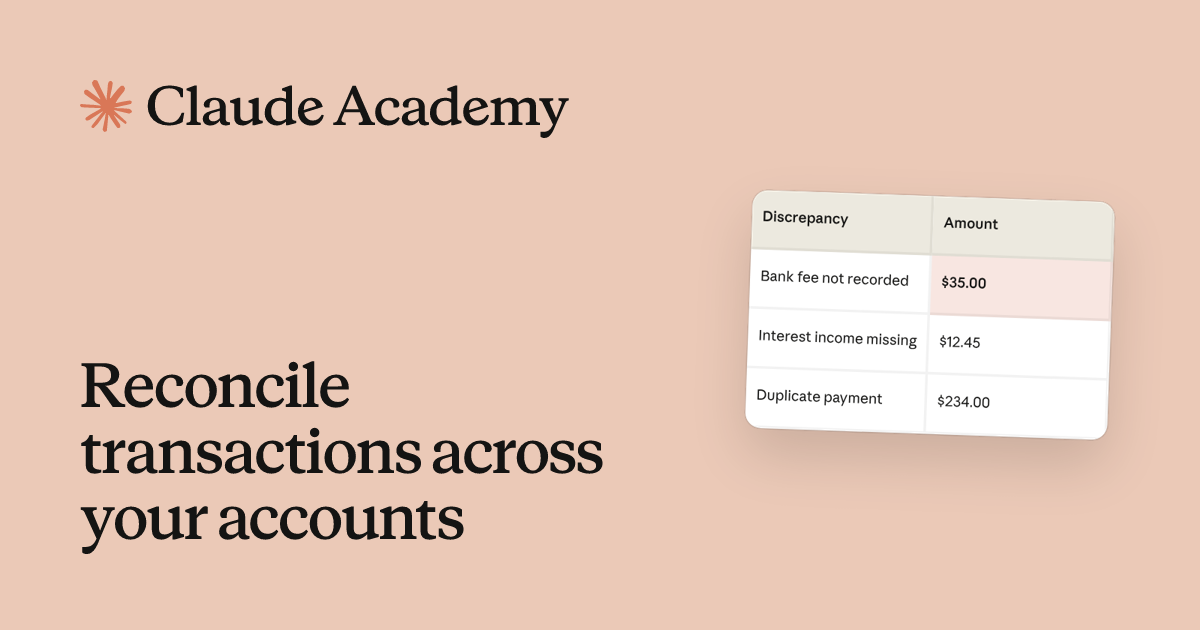
Hand Cowork your bank exports and ledger files. It matches transactions across sources, flags discrepancies, and outputs an annotated reconciliation report.